Photography
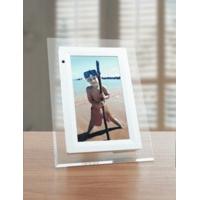
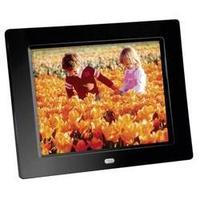
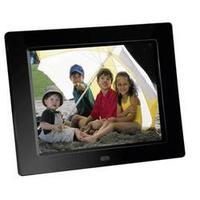
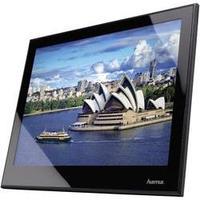
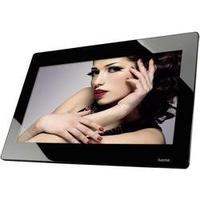
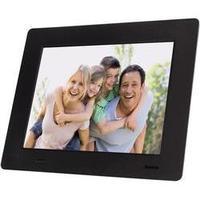
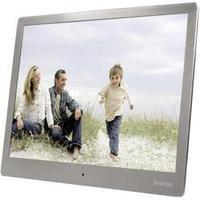
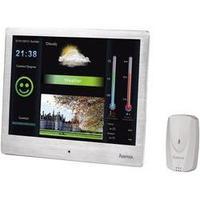
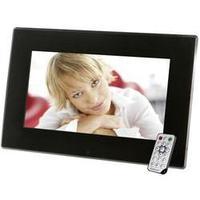
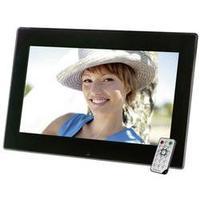
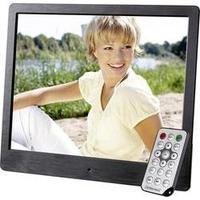
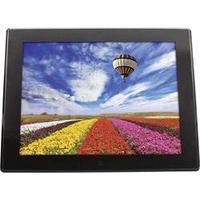
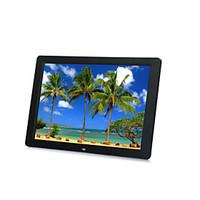
The eStarling 2.0 Wi-Fi isn’t just a top quality way of displaying your digital pictures it’s a great way to keep in touch with your family and friends by letting them share their photographs too. What makes this frame unique is it has its own email address so anyone can email it. A one time installation will make it easy for friends and family to upload pictures to it. It’s a great gift for the important people in your life who are not too technical and it is a great way to stay in touch by sending the latest photos. With full web-based access you can connect the Photo Frame to your local Wi-Fi network and display pictures via email or from an online photo archive source such as Flickr or Photobucket. We’ll get on to the great specifications and features in a second but here’s a simple reason why this would make an excellent gift. Let’s say you live a long way from your family – parents grandparents etc – and you want to send them pictures of your kids. You could do it the old fashioned way and send prints in the post – or buy them one of these so you can let them see your pictures wherever you are in the world. Or – if you want one for yourself in addition to showing your artistic efforts and plain old holiday snaps you can choose keywords from Flickr and for example tell your photo frame to display ‘hot babes’ ‘Venetian architecture’ ‘cats’ ‘Sunsets’… or whatever else takes your fancy. Specifications techy stuff and other features that’ll impress your mates Once configured the frame can be left to operate in a completely stand alone mode. It supports WEP or WPA encryption and has fully featured TCP/IP setup supporting DCHP and manual IP. (By the way if you don’t know what this stuff means don’t worry it’s all easy to sort out and set up.) E-Mail Once the photo frame is online it gets its own dedicated email address that anyone you share it with can send photos to. You can secure this by only allowing pictures from specific email addresses to be displayed. So don’t worry – your Wi-Fi picture frame isn’t going to try to sell you Viagra! Displaying Photos Simply email any photo to the frame. It checks for new email every few minutes and puts any pictures it receives into rotation in a slideshow. It functions in the same way when receiving photos via a Flickr or Photobucket feed. You can also add or delete photos directly via the web-based control panel. Product Features Connects to Wireless 802.11 b/g Network. WEP or WPA Encryption Supported. Direct Photo Emailing to Frame - Each frame has its own unique email address so that photos can be received from computers or mobile phones. A built-in email filter protects against unwanted photos. No setup is required for senders to send photos to the frame. Photobucket Integration - Millions of users who have stored their photos with Photobucket can send photos directly from their Photobucket accounts to eStarling. Group Frames - Users can set up a single email address that corresponds to multiple frames so that photos can be easily shared and displayed on those frames. Community Photo RSS - The eStarling frame supports all major RSS photo feeds including Flickr Picasa Photobucket AOL Smugmug iPhoto Gallery and more. Users can recommend and share their favorite RSS photo feed among the eStarling community. Smart Photo Play List - Users can choose photos to be displayed on an eStarling frame on specified dates such as displaying selected photos on a user’s birthday or anniversary. Email Photos from Frame - A one-touch button allows users to send photos directly from their frames to a Web account and the email accounts of their family and friends. Text Messaging to Frame - Short messages can be sent directly to eStarling frames from a user’s Seeframe Live account or from authorized email accounts and cell phones. Dual Use Mode - If no Wi-Fi connection is available the eStarling frame can operate as a stand-alone digital photo frame. Auto Power Saving - The eStarling frame can be programmed to turn-off automatically at night in order to save power and protect the screen Specifications eStarling 7" Widescreen features widescreen aspect ratio (480 x 270 resolution) eStarling 8" Hi-Res 4:3 features standard photo aspect ratio and (800 x 600 resolution) Innoloux panel used to ensure highest level of clarityBlack Piano Finish Memory Size: On-board FLASH memory 128MWi-Fi 802.11b/g with Support for WEP encryption MMC/SD/MS/CF 4in1 card slot Views JPEG files External 120V/240V AC Adapter Requirements Internet access via wireless 802.11 b/g Network Frame Setup requires you to run the included software on a Windows 2000/XP/Vista or Mac OS X computer. After the frame is setup it operates in a stand-alone mode with no PC needed.
Category: Photo Development £189.95